
.jpg&w=64&q=75)
Slotably vs Calendly:
Which One Is Right for You?
Calendly is great at scheduling. But if your business collects payment at booking, you'll hit a wall fast. Here's an honest breakdown of where each tool wins.
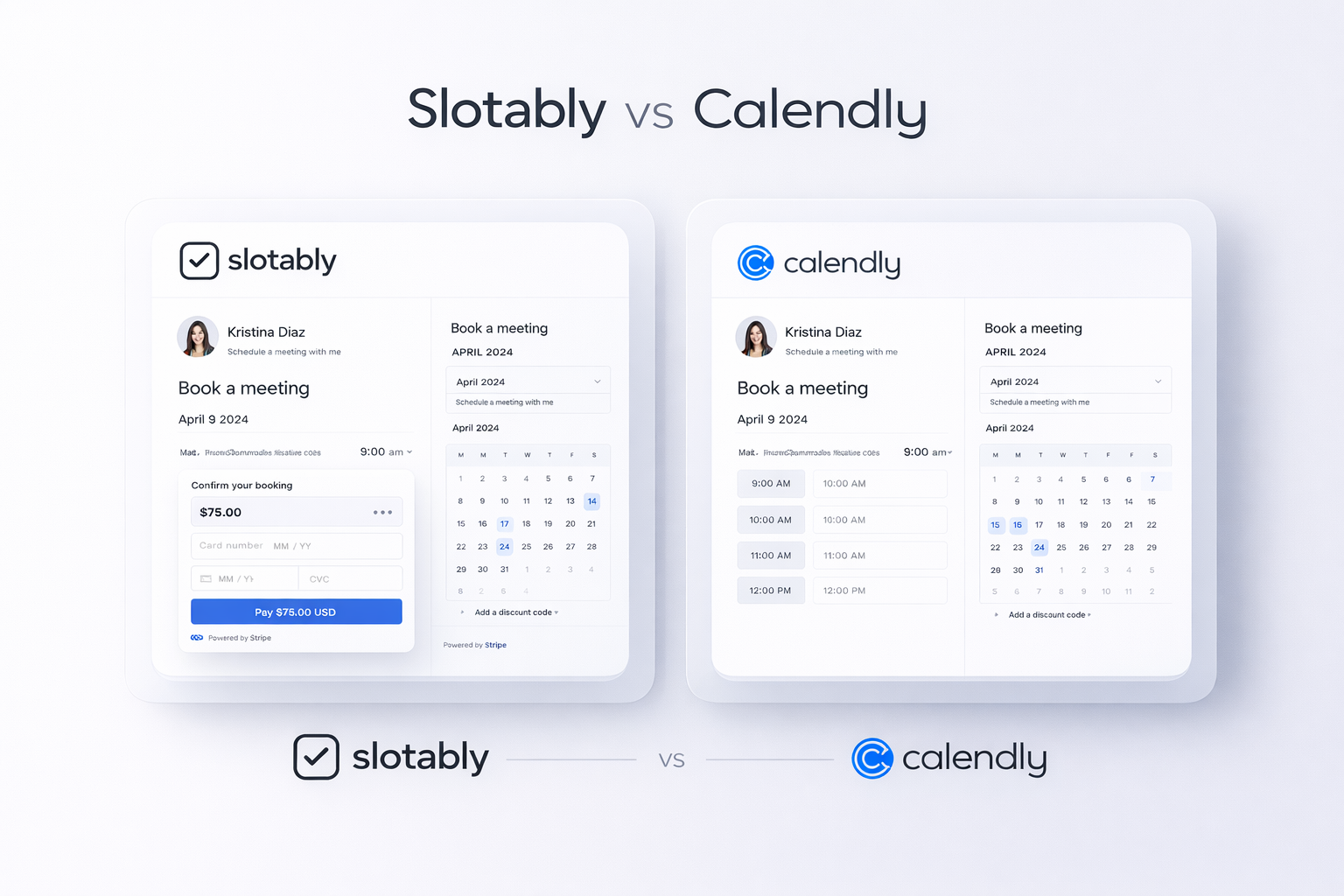
- Calendly is a scheduling powerhouse built for enterprise teams, not solo operators collecting payments.
- Slotably puts payments first: Stripe is built in, no duct-tape integrations needed.
- Both tools require a paid plan to collect payments. Slotably's starts at $19/mo with a 7-day free trial.
- If your workflow is book + pay in one shot, Slotably is designed exactly for that.
Two Tools, Very Different Jobs
Calendly started as a way for teams to share availability. It grew into an enterprise scheduling platform with hundreds of features. That's useful if you're coordinating sales calls across a 50-person org.
Slotably is built for a different problem: you need clients to book time and pay you, without chasing invoices afterward. It's clean, fast, and built around that one workflow.
- ✓ Freelancers and consultants
- ✓ Coaches and instructors
- ✓ Service businesses collecting upfront
- ✓ Anyone who hates chasing payments
- ✓ Sales and recruiting teams
- ✓ Enterprise scheduling workflows
- ✓ Companies with complex routing needs
- ✗ Not built around getting paid
Payments: The Biggest Difference
Both Slotably and Calendly require a paid plan to collect payments. That's a fair comparison. But Slotably's paid plan starts at $19/month and unlocks payments, AI booking forms, customizable booking pages, and automated email reminders together. It's one plan, everything included.
Slotably also offers a 7-day free trial, so you can test the full payment flow before committing. Stripe connects directly, and clients pay at the moment of booking. No follow-ups. No unpaid no-shows.
The real cost of "free" scheduling: Every time a client books without paying upfront, you're extending credit you didn't agree to. Slotably closes that loop automatically.
- Slotably: $19/mo unlocks Stripe payments plus AI forms, custom booking pages, and email reminders. 7-day free trial included.
- Calendly: Payments available on paid plans only, via Stripe or PayPal integration.
- Slotably: Failed payment means no booking. Simple.
- Calendly: You can still get ghosted if payment isn't enforced at the booking step.
The Booking Form Experience
Calendly lets you add questions to your booking form. Basic stuff: name, email, a custom field or two. It works, but it's not smart.
Slotably generates the booking form using AI based on your service type. You describe what you do, and the form fields get created for you. No setup headaches.
AI-Generated Forms
- ✓ Describe your service, get a ready form
- ✓ Smart field suggestions
- ✓ No manual configuration needed
Manual Form Builder
- – Add custom questions manually
- – Standard field types
- – No AI assistance in setup
Feature-by-Feature Breakdown
The table below focuses on what matters most for service-based businesses that collect payment. Not enterprise routing features, not team analytics.
| Feature | Slotably | Calendly |
|---|---|---|
| Stripe Payments | Yes | Paid plans only |
| AI Booking Form | Yes | No |
| Customizable Booking Page | Yes | Yes |
| Automated Email Reminders | Yes | Yes |
| 1-Click Cancel and Reschedule | Yes | Yes |
| Free Trial | 7 days | Free plan available |
| Complex Team Routing | No | Yes |
| Best Fit | Solo + service biz | Enterprise teams |
Cancellations and Rescheduling Without the Friction
Both tools let clients cancel or reschedule. But the experience matters when a client does it at 11pm from their phone.
Slotably's 1-click cancel and reschedule works directly from the confirmation email. No login. No account needed. One tap and it's done.
Calendly handles this too, but the flow can feel heavier depending on how the event was configured. For a simple service business, the simpler the better.
Automated Reminders: Both Get It Right
Neither tool is weak here. Both Slotably and Calendly send automated email reminders before appointments.
The difference is that Slotably's reminders tie back to a paid booking. When a client gets a reminder, they already have skin in the game. The no-show rate drops significantly when someone has already paid.
Reminders reduce no-shows by roughly 30%. Requiring payment upfront reduces them by even more. Slotably does both.
Your Booking Page as a Brand Asset
Calendly gives you a public booking page. It's clean but recognizably "Calendly." Customization is available on paid plans.
Slotably gives you a customizable booking page that you can tailor to match your brand. For freelancers and small service businesses, this matters more than it sounds. A generic booking page signals an amateur operation. A branded one doesn't.
- Add your brand colors, logo, and service description
- Clients see a polished page, not a generic calendar
- The payment step is integrated directly, not bolted on
Which One Should You Actually Use?
- ✓ You charge clients for your time and want payment at booking
- ✓ You're a solo operator, consultant, or small service business
- ✓ You want a fast, clean setup without a learning curve
- ✓ No-shows are costing you real money
- ✓ You manage scheduling across a large team
- ✓ You need advanced routing and round-robin features
- ✓ Payment collection isn't the core workflow
- ✓ You're integrating with a CRM or sales pipeline
The Honest Verdict
Calendly is not a bad product. It's one of the best scheduling tools ever built, for the audience it was built for. But if you're charging by the hour or by the session, it was never designed for you.
Slotably solves a sharper problem: getting booked and getting paid in one smooth step. No extra tools. No chasing invoices. No workarounds.
For most service businesses, that's exactly the problem worth solving.